Usero MCP: Give Your Coding Agent User Feedback
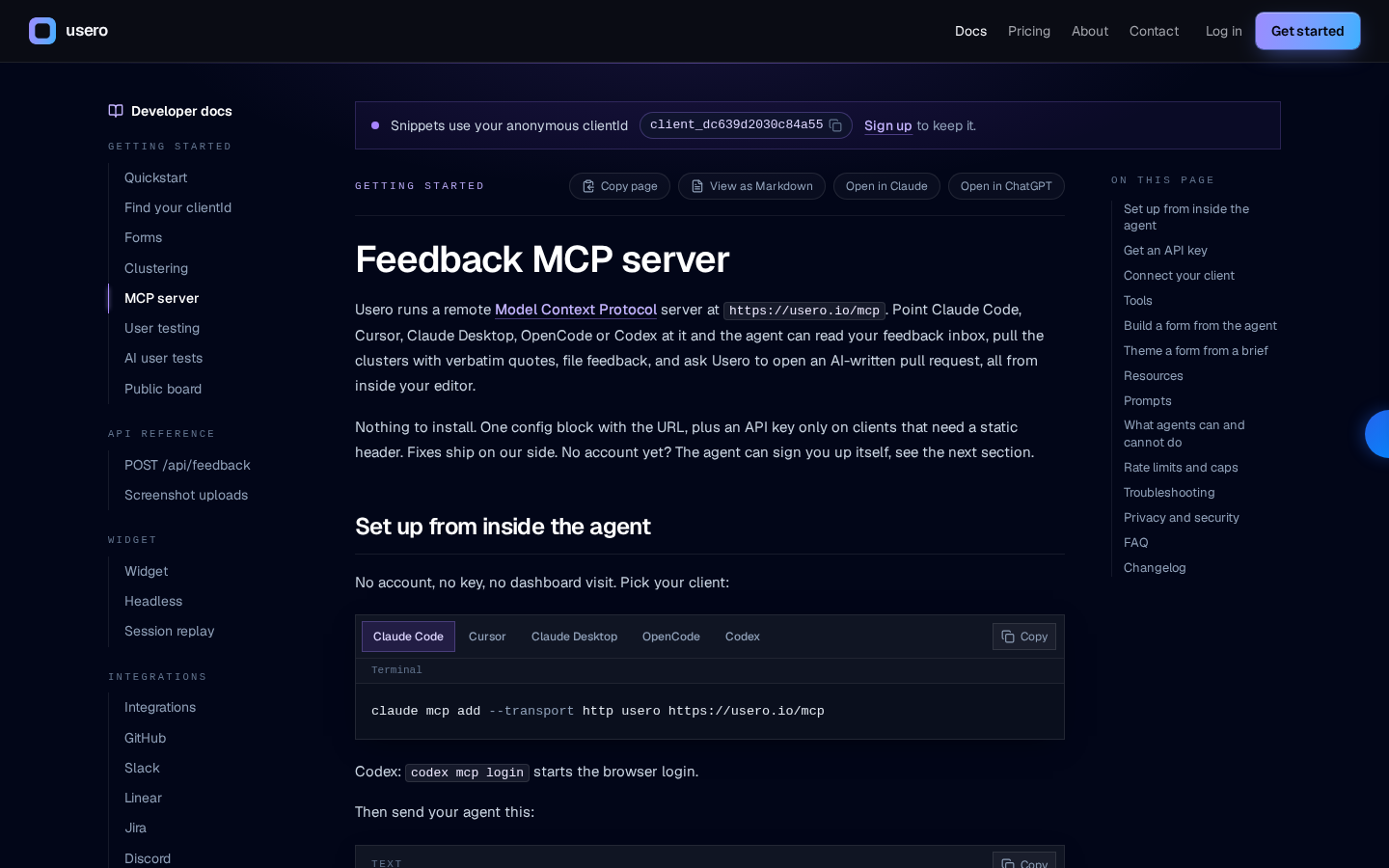
Usero's founder posted a Show HN announcing an MCP server at usero.io/mcp that gives a coding agent direct access to a product's clustered feedback inbox through 36 tools. This matters because it turns scattered widget, email, Slack and app-review feedback into something an AI coding agent can query and act on without manual triage. This piece explains what the 36 tools do, how they're grouped into seven categories, and where to check current pricing before you add another AI tool to your stack.
Disclosure: this article contains affiliate links. If you buy through them we may earn a commission at no additional cost to you. Our recommendations are based on the evidence recorded alongside this article, and prices were verified on the date shown.
What changed and why it matters
Usero's founder, HN user willsmith72, posted a Show HN announcing an MCP server for Usero, reachable at usero.io/mcp, that lets a coding agent query a product's own user feedback directly. The announcement describes the founder using the server in their own workflow, not a third party testing it independently.
This matters because it closes a specific gap: coding agents that write and ship features usually have no access to the feedback that explains why a feature should change. By exposing that data as 36 callable tools, the Usero MCP server lets an agent pull real user input into the same session where code gets written, instead of a human copying feedback from an inbox into a prompt.
The detail
Usero itself is a customer feedback tool. It merges widget submissions, email, Slack messages and app reviews into one clustered inbox, so feedback that would otherwise sit in four different tools lands in one place, already grouped.
The MCP server sits in front of that inbox. It exposes 36 distinct tools, organized into seven categories:
| Category | What it covers |
|---|---|
| Signup | Account and onboarding actions |
| Clients | Client/customer records |
| Feedback | Raw feedback items |
| Clusters | Grouped/clustered feedback |
| Forms and theming | Feedback form setup and appearance |
| User tests | User testing data |
| AI test runs | AI-driven test execution |
The seven-category split is what the announcement states; the exact behavior of each tool isn't detailed in the source, so treat the table as a map of scope, not a feature list. What is confirmed is the total: 36 tools, reachable by any MCP-compatible coding agent pointed at usero.io/mcp.
The person who built it is also the person running Usero, which is worth noting for context: this is a vendor exposing its own product to agents, announced through the same channel (Show HN) that independent developers use for side projects. The founder's own claim is that they use it in their own workflow — that's a self-report, not a third-party benchmark.
What it means for you
If you're already running a coding agent against a live product, an MCP server like this changes what you can ask that agent to do. Instead of "fix the bug in checkout," you can point the agent at clustered feedback and ask it to triage, summarize, or cross-reference reports against the code it's about to touch — assuming your agent setup can reach an MCP server in the first place.
That's the practical fork: MCP support depends on your coding agent and where it runs. If you're comparing agents for this kind of tool access, Best Continue Alternatives: How to Choose Now covers how to weigh that choice before you commit to one.
The other practical fork is hosting. Teams wiring MCP servers and AI-tool integrations into a live product commonly run that stack on a platform built for shipping web apps and APIs quickly, which is where a provider like Vercel fits — you can [see current Vercel pricing](See current pricing at the merchant) to check what a plan covers before you add another moving part to your deployment.
Skip this if your feedback already lives in one place and your team reads it directly — an MCP layer adds a step for AI agents to query feedback, it doesn't replace the inbox itself. It's for teams whose coding agent already has a job to do and whose feedback is currently scattered across a widget, email, Slack and app reviews, not for teams without a coding agent workflow in the first place.
What this costs right now
Vercel
The last check on this price fell outside our freshness window, so no figure is shown.
Check the current price at VercelPrices move. We print the figure we read and the moment we read it, and suppress anything older than its window rather than guess at the current number.