Show HN Visimer: Open-Source Visual Mermaid Editor
Visimer is an open-source, no-cost WYSIWYG editor for Mermaid diagrams, posted to Show HN by a user going by "engomez" with post text attributed to a founder at OpenKnowledge. This piece explains what the tool actually does — rename labels, change shapes, add nodes by dragging — and where to try it before installing anything, via the playground at visimer.com/playground. It also covers where the source lives on GitHub and what a reader evaluating AI-adjacent developer tools should look at next.
Disclosure: this article contains affiliate links. If you buy through them we may earn a commission at no additional cost to you. Our recommendations are based on the evidence recorded alongside this article, and prices were verified on the date shown.
What changed and why it matters
A project called Visimer surfaced on Show HN: an open-source visual editor for Mermaid diagrams. The post was submitted by a user going by "engomez," with the post text attributed to someone identifying themselves as Nick, a founder at OpenKnowledge.
The reason this is worth a second look isn't novelty for its own sake. Mermaid diagrams are normally edited as text — you write syntax, then mentally render the result. Visimer inverts that: you edit the rendered diagram directly, and it writes the Mermaid syntax behind the scenes. For anyone who maintains architecture docs, flowcharts, or process maps in Mermaid, that's a workflow change worth understanding before you decide whether to adopt it.
The detail
Visimer is described in its own repository as an open-source library for editing Mermaid diagrams through a what-you-see-is-what-you-get (WYSIWYG) visual editor. It is not a hosted paid product — it's a library you install into your own tooling or try directly in the browser.
Three editing actions are confirmed by the source:
- Rename labels directly on the diagram, rather than hunting through Mermaid syntax for the right line.
- Change node shapes by interacting with the shape itself, not by memorizing which bracket style maps to which shape.
- Add new nodes by clicking and dragging on the diagram canvas.
If you want to see these actions before touching any code, there's a live playground at visimer.com/playground that requires no signup. That's the fastest way to form your own opinion about whether the editing experience fits how you already work with Mermaid — the repository and post do not specify additional pricing tiers, hosting limits, or a roadmap beyond what's listed above, so this piece won't speculate about any of that.
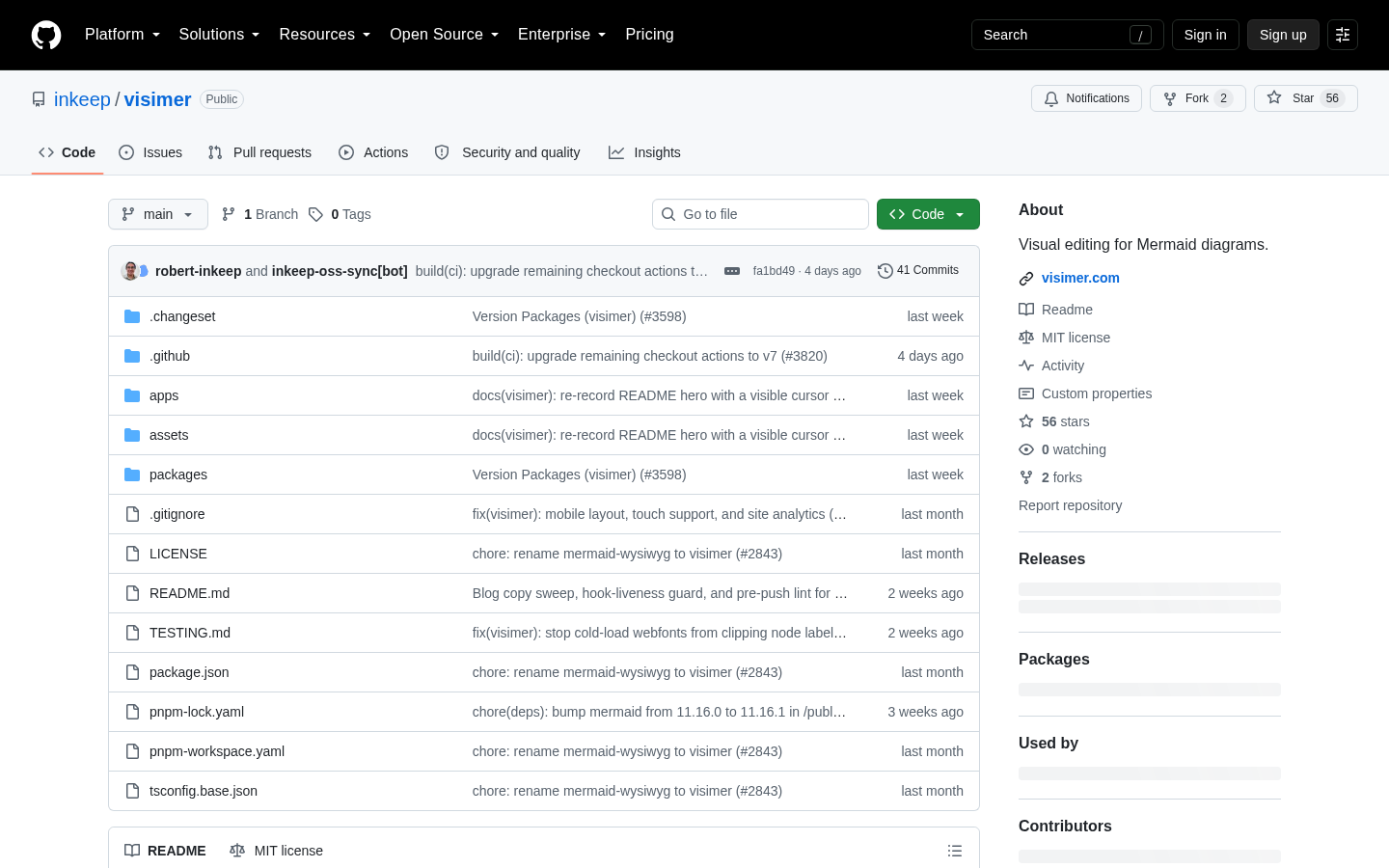
The project's source code is hosted at github.com/inkeep/visimer. That's also the canonical place to check the license terms and installation instructions directly, since those specifics belong to the repository itself rather than the Show HN post.
| What you're evaluating | Where to check it |
|---|---|
| Editing actions (rename, reshape, add nodes) | Try live at visimer.com/playground |
| License and install steps | Read directly at github.com/inkeep/visimer |
| Who built it / origin | Show HN post attribution: "engomez," text credited to Nick, a founder at OpenKnowledge |
Best for: teams already writing Mermaid diagrams in documentation, READMEs, or internal wikis who want a faster editing loop without leaving the Mermaid ecosystem.
Skip it if: you need a diagramming tool that isn't tied to Mermaid syntax at all, or you're looking for a fully hosted, supported product rather than a self-installed open-source library — the evidence here doesn't describe hosting or support terms.
What it means for you
Open-source developer tools like Visimer rarely exist as isolated products — they sit inside a broader stack decision: where you host your docs site, your internal tools, or the app that renders these diagrams for your team. If you're already evaluating AI-adjacent developer tooling, the hosting layer underneath it is part of that same decision, and that's the piece worth pricing out before you commit to a workflow change. You can See current pricing at the merchant to see what that looks like for your own setup.
That framing matters more if you're picking tools as part of a bigger bet on how your product or team will hold up as the AI tooling landscape shifts. If that's the decision you're actually weighing, "Choosing a Resilient Business Model in the AI Era: A Hacker News Framework" walks through how to evaluate that kind of durability question — worth reading alongside any individual tool pick like this one.
The decision in front of you isn't whether Visimer is a good idea in the abstract — the editing actions and the free playground make that easy to check yourself in a few minutes. It's whether a self-installed, open-source visual editor fits into infrastructure you already control, or whether you'd rather evaluate the hosting and deployment side first. Start with the playground, read the repository's license before you install anything, and price out the infrastructure question in parallel rather than after the fact.
What this costs right now
Vercel
The last check on this price fell outside our freshness window, so no figure is shown.
Check the current price at VercelPrices move. We print the figure we read and the moment we read it, and suppress anything older than its window rather than guess at the current number.