Show HN Mu: The Shell Plugin for Agent Mode
A developer posted Mu to Show HN: a zsh/fish plugin that turns a Tab press into AI agent mode instead of opening a separate app. This piece explains the exact mechanism — a preexec hook that routes typed commands to an LLM rather than running them as shell script — and what shell, visibility, and activation limits mean before you try it. It also covers where to test a tool like this safely and how to compare it against other command-line agents.
Disclosure: this article contains affiliate links. If you buy through them we may earn a commission at no additional cost to you. Our recommendations are based on the evidence recorded alongside this article, and prices were verified on the date shown.
What changed and why it matters
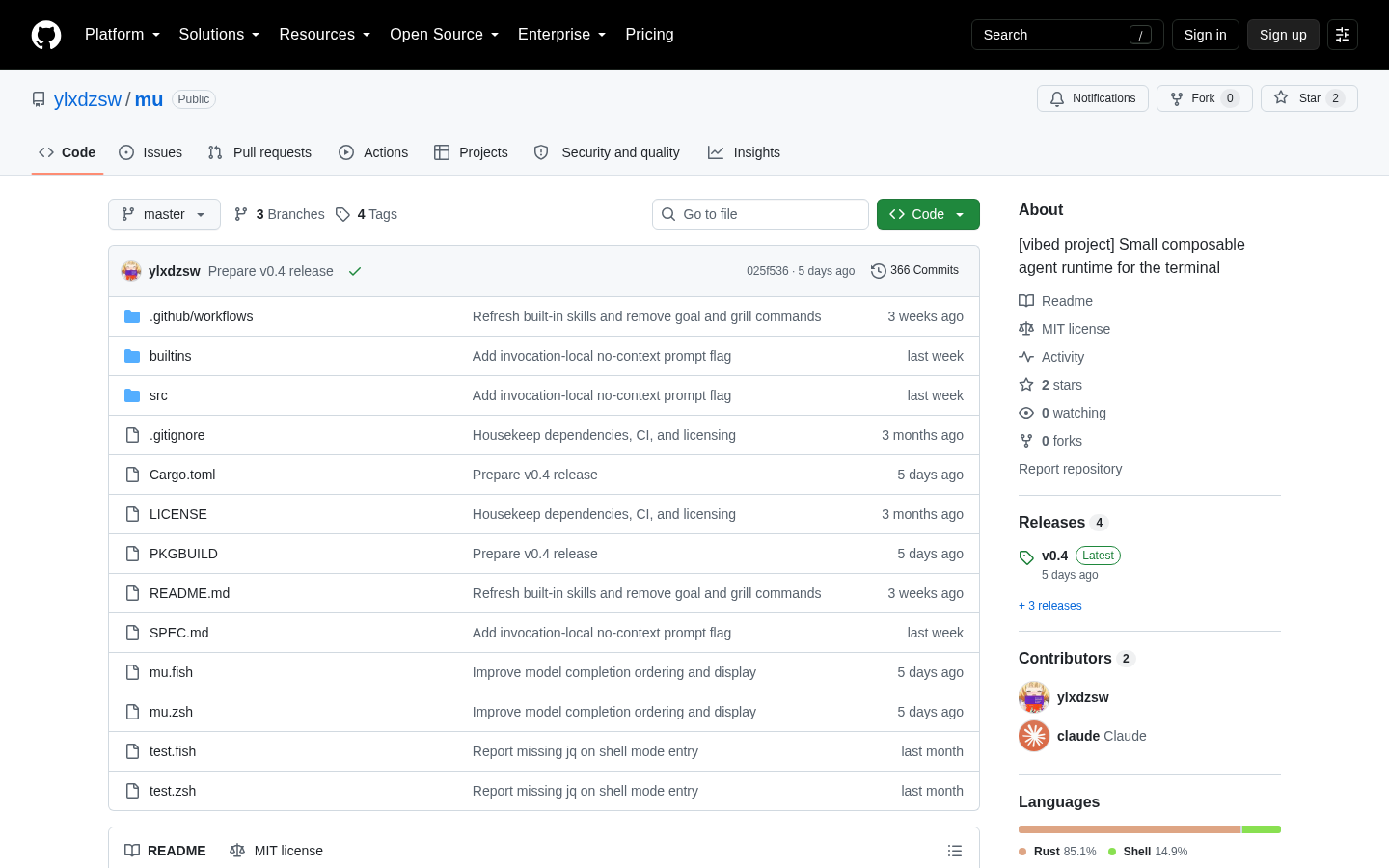
A developer using the handle ylxdzsw posted Mu to Show HN: a shell plugin, not a standalone terminal app, that adds an AI agent mode to zsh or fish (github.com/ylxdzsw/mu). That's the specific, checkable fact worth starting on — most agent tools ship as their own interface you launch separately; Mu lives inside the shell session you already have open, and only runs in those two shells.
The mechanism is concrete enough to verify rather than take on faith. Pressing Tab toggles agent mode on, and the prompt itself then shows the active model name and current context usage — information other tools typically bury in a status panel or a separate command you have to remember to run. There's no new window to manage, no extra binary to keep updated, and no second interface to learn beyond one keypress. The author has been explicit about why: Mu's stated design goal is to be an alternative to agent TUIs the author considers "too magical," meaning tools that hide what's actually happening to your input.
The detail
For anyone meeting Mu for the first time, the clearest way to understand it is by what happens to the text you type. In a normal shell session, what you type gets run as shell script — that's the whole contract of a terminal. In Mu's agent mode, a preexec hook intercepts that input before execution and routes it to an LLM agent instead. That one substitution is the entire core mechanism that distinguishes agent mode from a regular shell session; nothing else about zsh or fish changes underneath it.
Here's what's confirmed about Mu, per the project's own repository:
| Trait | Detail |
|---|---|
| Supported shells | zsh and fish only |
| Activation | Tab key toggles agent mode on |
| Context visibility | Model name and context usage shown directly in the prompt |
| Command routing | A preexec hook sends typed input to an LLM instead of executing it as shell script |
| Stated design goal | An alternative to agent TUIs the author calls "too magical" |
That last row is the one that tells you who this is for. Building a plugin instead of a standalone app is a deliberate bet: you keep your aliases, your shell history, your prompt customizations, and your muscle memory, and the agent becomes a mode of that existing session rather than a replacement for it. There's no claim here that this makes Mu more capable than a dedicated agent TUI — only that it occupies a different point on the spectrum between "integrated into your existing tools" and "a new tool you adopt wholesale."
Best for: developers who already work daily in zsh or fish and want agent access without switching context to a separate app or window.
Skip it if: you use bash, PowerShell, or any shell outside zsh and fish — Mu doesn't run there — or if what you actually want is a dedicated TUI dashboard rather than a prompt-level toggle.
What it means for you
The practical implication isn't just whether to install Mu — it's where you first run it. A preexec hook that routes commands to an LLM agent is still, mechanically, a thing that can issue real commands in a real shell once it decides to act. Trying that for the first time against your own machine's files, SSH keys, and credentials is a different risk profile than trying it in an environment you can throw away in a minute.
That's the practical case for testing Mu, or any shell-level agent, on a cloud instance you control rather than your primary laptop: if agent mode does something you didn't anticipate, you lose a disposable server, not your working environment or local files. If you're setting one up to test this kind of tool, See current pricing at the merchant to see current pricing before you spin up a Linux instance for the experiment.
If you're also weighing Mu against other command-line or editor-integrated agents before committing to a workflow, our guide on choosing the best Continue alternatives now walks through the criteria that actually separate these tools — model support, context handling, how each one is priced — rather than just the one you happened to read about first.
The decision comes down to two checks. If you run zsh or fish and want an agent mode that doesn't pull you out of your shell, Mu costs one keypress to try. If you're on a different shell, or you specifically want a standalone interface, it isn't built for you yet — confirm shell support in the repository before you spend time on setup, and if you do test it, do it somewhere you can reset without consequence.
What this costs right now
DigitalOcean
The last check on this price fell outside our freshness window, so no figure is shown.
Check the current price at DigitalOceanPrices move. We print the figure we read and the moment we read it, and suppress anything older than its window rather than guess at the current number.