Show HN MCP for Android: No Root, PII Redacted Locally
Android Remote Control MCP appeared on Show HN as a tool that lets AI agents operate real Android apps through the accessibility tree, with no root access and no computer tether required. The developer, posting as daniele_dll, states that PII is redacted locally on the device. This piece explains what the tool does and where cloud compute costs fit if you're building the AI side of that stack.
Disclosure: this article contains affiliate links. If you buy through them we may earn a commission at no additional cost to you. Our recommendations are based on the evidence recorded alongside this article, and prices were verified on the date shown.
If you want an AI agent to operate an Android app the way a person would, without rooting the phone or wiring it to a laptop, Android Remote Control MCP is a live example on Show HN today. Anyone experimenting with AI-driven mobile agents should understand what it actually does before wiring it into a workflow that touches personal data.
What changed and why it matters
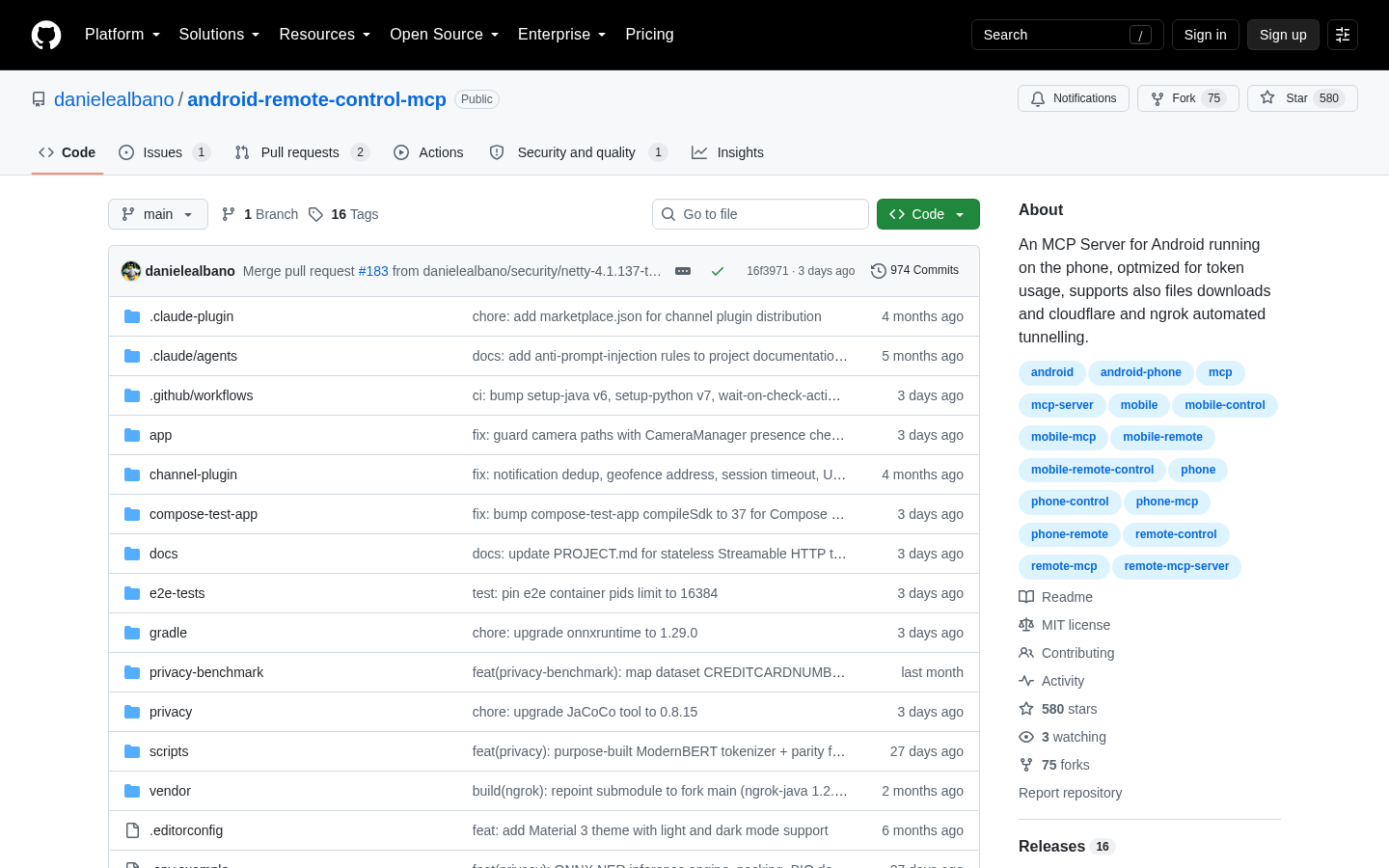
The submission itself is the news. Android Remote Control MCP is an MCP server that runs directly on an Android phone, with no root and no ADB required, and no computer acting as an intermediary. That removes the tethered-computer step that most phone-automation setups assume you'll need before an AI agent can touch a real device.
It matters because MCP (Model Context Protocol) servers are how AI agents get hands to interact with software beyond a chat window. A rootless, on-device implementation lowers the setup bar for anyone who wants an agent to actually operate a phone's apps, rather than just describe what it sees. The project was posted to Show HN by its own author, using the handle daniele_dll, so what follows is the developer's own account of what the tool does, not third-party reporting on it.
The detail
Most "AI controls my phone" demos work by taking a screenshot, asking a model to guess where to tap, and hoping the coordinates still line up after the screen redraws. Android Remote Control MCP instead reads the screen through the Android accessibility tree, then taps, types, and scrolls based on what it finds there. That's the same interface Android's own accessibility services use, and it's how the tool interacts with real, unmodified apps rather than needing special hooks built into them. Screenshots are available too, as an optional way to observe app state, but they're not the primary mechanism.
On the privacy side, the project's Show HN listing states that the app redacts personally identifiable information locally, meaning that claim applies to on-device processing as described in the post. That's the developer's own characterization; nothing here confirms it independently. The author also says they spent significant time optimizing tool usage and token consumption for the MCP server, which matters if you're paying per token for the model driving it.
| What buyers ask | What the evidence shows |
|---|---|
| Root required? | No |
| Computer or ADB tether required? | No |
| How it reads the screen | Accessibility tree — tap, type, scroll; screenshots optional |
| PII handling | Developer states redaction happens locally, on-device |
| Source of these claims | The author's own Show HN post (daniele_dll), not independent testing |
What it means for you
The phone-side piece here is free and local: no root, no laptop, no extra hardware. But the tool itself is only half the stack. Something still has to run the model or agent that decides what to tap, type, or scroll, and issues the MCP calls in the first place. For a one-off experiment that can be your own laptop. For anything you leave running — a scheduled agent, a workflow you want available when your phone isn't tethered to your desk — that piece needs a server somewhere, sized to the model calls and uptime you actually need.
That's where the cost conversation starts to matter, and it's a different kind of pricing question than the one you'd ask about a phone tool: you're now comparing compute tiers, not app permissions. If you're already in the habit of comparing recurring costs before committing to one, the MI Measure Price Calculator: How to Choose guide walks through the same kind of comparison for a different category, and the underlying discipline — check the current number before you commit — carries over directly.
Before you provision anything to host the agent side of a setup like this, See current pricing at the merchant so the monthly figure you're planning against is this month's rate, not a guess carried over from an old blog post.
Best for: developers who already use MCP tooling and want to test phone automation without rooting a device or keeping a laptop tethered to it.
Skip it if: you need independently verified privacy guarantees before touching real personal data — the redaction claim here is the developer's own statement, not a third-party audit.
The decision isn't whether the phone-side tool is free to try — it is. It's whether you're ready to size and price the server that runs the agent calling it, and that's a cost worth checking against current numbers before you build anything on top of it.
What this costs right now
DigitalOcean
The last check on this price fell outside our freshness window, so no figure is shown.
Check the current price at DigitalOceanPrices move. We print the figure we read and the moment we read it, and suppress anything older than its window rather than guess at the current number.