Show HN Claude Code: Sessions in the macOS Dock
A Show HN post titled 'Claude Code sessions next to the macOS dock,' submitted by user leopalamim, documents a tool built after its author kept losing track of five or more concurrent Claude Code agent sessions at once. The project targets a specific workflow gap: knowing which sessions are ongoing, need input, or are finished, after a single terminal window with multiple tabs and a dedicated agent-view tab stopped being enough. This piece explains what the tool tracks, quotes the author's own description of the pr
Disclosure: this article contains affiliate links. If you buy through them we may earn a commission at no additional cost to you. Our recommendations are based on the evidence recorded alongside this article, and prices were verified on the date shown.
What changed and why it matters
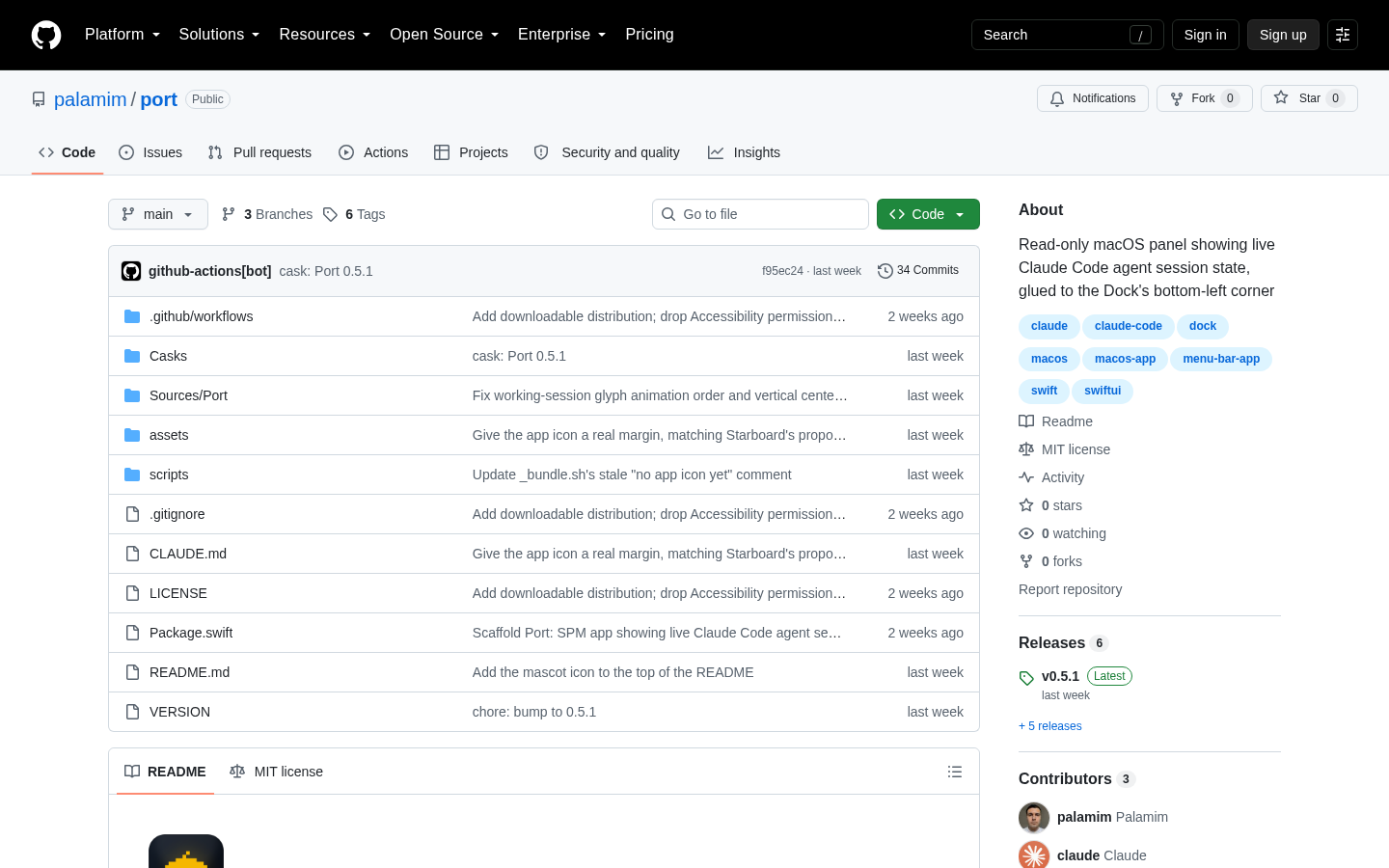
A Show HN post titled "Claude Code sessions next to the macOS dock" surfaced a small tool built to solve one problem: telling, at a glance, which of several running Claude Code agent sessions are still working, which are waiting on you, and which are done. The author describes running 5+ agents at the same time, and needing a way to check their status without stepping through every session by hand (github.com/palamim/port).
The post matters less for the code itself than for what it names. As more developers run coding agents in parallel, the bottleneck stops being how many agents you can start and starts being how many you can keep track of at once. A tool built to answer "ongoing, needs input, or complete" at a glance is a direct response to that shift.
The detail
For anyone meeting this for the first time: the tool sits next to the macOS dock and tracks the status of multiple concurrent Claude Code agent sessions, so you don't have to reconstruct that state from memory or from switching between terminal tabs.
The author's own account of the prior workaround is the clearest explanation of what problem it solves. Before building the tool, they kept a single terminal window open with multiple tabs, plus one additional tab dedicated to an "agent view." That setup was the way of tracking session state, and it was the pain point the tool is positioned against — particularly once the author stepped away to do something else while agents kept working, and needed a way to check in on all of them.
| Author's prior workflow | What it required | |
|---|---|---|
| Where sessions lived | Single terminal window, multiple tabs, plus a separate agent-view tab | Manually keeping track of which tab belonged to which session |
| While agents were working | Author would step away to do something else | A way to check status across 5+ sessions without reopening each one |
This is a workflow fix, not a new capability in Claude Code itself. The underlying agent sessions run the same way; what changes is how their status is surfaced when you're not looking directly at the terminal.
Best for: developers on macOS who already run five or more concurrent Claude Code sessions and have felt the tab-tracking workaround break down.
Skip it if: you run one or two sessions at a time, where checking a tab or two isn't a real cost, or you're not on macOS — the tool is described specifically as living next to the macOS dock.
What it means for you
If you're scaling up how many coding agents you run at once, the real cost isn't the agent runtime — it's the attention overhead of tracking each session's state, and that's exactly the overhead this project targets. Before you sink engineering time into a status dashboard of your own, it's worth weighing the build-versus-buy math the same way you'd weigh any other recurring tool cost; our MI Measure Price Calculator: How to Choose walks through comparing a recurring cost against how often you'd actually use the thing.
And if a project like this pushes you toward building or hosting your own agent-orchestration tooling — a menu bar app, a status API, a small dashboard that streams session state — you'll need somewhere to put the web-facing part of it. See current pricing at the merchant to see what a deployment platform built for shipping frontend and API projects quickly would cost you before you commit to a stack.
The decision here isn't whether this specific dock tool is worth installing — that depends on how many agents you're actually running today. It's whether your current session-tracking method still holds up past five concurrent agents. If it doesn't, this is the category to look in next.
What this costs right now
Vercel
The last check on this price fell outside our freshness window, so no figure is shown.
Check the current price at VercelPrices move. We print the figure we read and the moment we read it, and suppress anything older than its window rather than guess at the current number.