Mu: The Show HN Agent That Lives in Your Shell
Mu is a free, open-source shell plugin posted to Show HN that turns zsh or fish into an AI agent interface without a separate chat window or TUI. Pressing Tab enters agent mode, and a preexec hook routes what you type to an LLM instead of running it as a shell command, while the prompt shows the active model and context usage. This piece unpacks how Mu's design compares to typical AI-agent terminal UIs, and where to look next if you're choosing hosting for your own tooling.
Disclosure: this article contains affiliate links. If you buy through them we may earn a commission at no additional cost to you. Our recommendations are based on the evidence recorded alongside this article, and prices were verified on the date shown.
What changed and why it matters
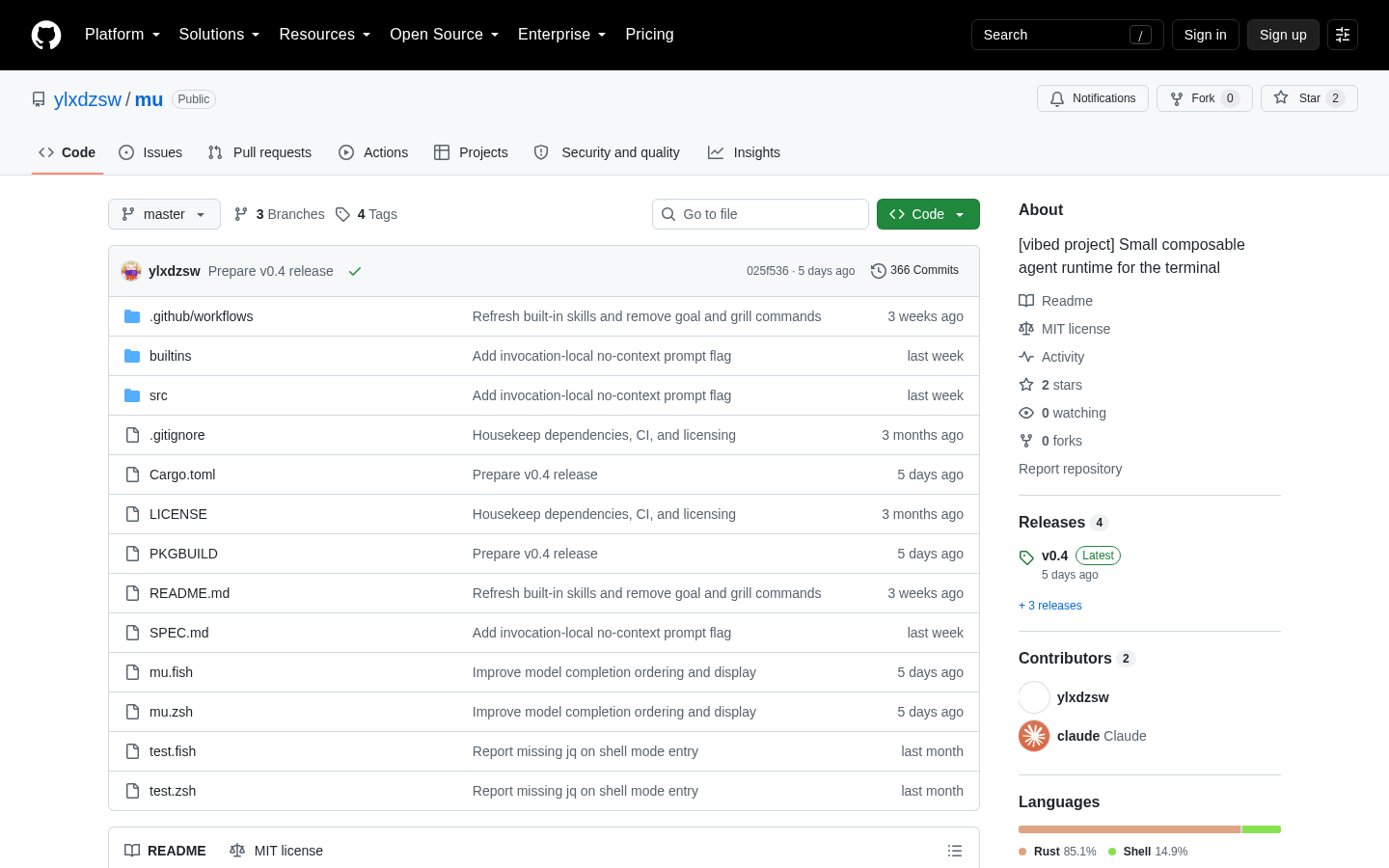
Mu is for developers who already live in a zsh or fish terminal and want AI agent help without opening a separate chat window — it's a free, open-source shell plugin, not a product you buy. On Show HN, developer ylxdzsw published Mu on GitHub (github.com/ylxdzsw/mu) as a deliberately "lower-magic" alternative to the AI agent terminal UIs (TUIs) that have become common, built for an "old school" command-line workflow instead of a bolted-on chat interface.
That framing is the news hook. Most AI coding agents now ship as their own TUI: a dedicated pane, a persistent chat history, UI chrome layered on top of your shell. Mu's pitch runs the other way — it stays inside the prompt you already type in, and you opt into agent behavior one keypress at a time instead of launching a separate app. That's a meaningfully different interaction model, not just a different skin on the same idea.
The detail
Mu is implemented as a shell plugin, and right now that means two shells specifically: zsh and fish. There's no bash support, and nothing in the project points to a hosted version, a GUI, or a paid tier — it's a repository you clone and wire into your own shell configuration, maintained by one author rather than a vendor.
The core mechanic is a single keypress. Pressing Tab toggles "agent mode." Once it's on, the prompt itself changes to show the active model name and your current context usage, so you can see model and token state directly in the line you're typing into, with no separate status bar or window. While agent mode is active, a preexec hook intercepts what you type and sends it to an LLM agent instead of letting the shell interpret it as a command — so the same prompt that would normally run ls or git status can instead carry a request to the agent.
Here's how that compares to the AI agent TUI pattern Mu positions itself against:
| Mu | Typical AI agent TUI | |
|---|---|---|
| Interface | Your existing zsh/fish prompt | Separate pane or full-screen app |
| Mode switch | Single keypress (Tab) | Launch a distinct command or app |
| Status display | Model name and context usage in the prompt | Dedicated UI chrome |
| Shell support | zsh, fish | Varies by tool |
| Cost | Free, open source | Varies by tool |
The design trade-off is legibility over features: you always know whether you're talking to your shell or an agent, because the prompt itself tells you, and switching costs one keystroke instead of a context switch to a different window.
What it means for you
Mu is free to install and use, but it isn't turnkey — it assumes you're comfortable configuring a shell plugin and supplying your own LLM access rather than signing up for a managed product. That splits readers into two groups:
- Best for: zsh or fish users who want AI help without leaving the terminal, and who are fine maintaining a small open-source plugin instead of relying on a vendor-supported app.
- Skip it if: you're on bash with no plan to switch shells, or you want a supported product with onboarding, documentation, and a company behind it rather than a solo repository.
If you fall into that second group — or you'd rather have an agent live inside your editor than inside your terminal — the comparison in Best Continue Alternatives: How to Choose Now walks through editor-integrated options and how to weigh them against a shell-first tool like Mu.
Either way, a plugin like Mu is only half the stack. It routes your keystrokes to a model; it doesn't host anything for you. If your next step after trying this workflow is standing up your own agent backend, an API layer, or a small dashboard to pair with a CLI tool like this, that's infrastructure you deploy separately, and plans and limits differ by provider. [See Vercel's current pricing and plans](See current pricing at the merchant) before you decide where that backend should run.
The decision here isn't really whether Mu is worth trying — it's free, so the cost of trying it is the time to install a shell plugin and point it at a model. The decision is whether you want your AI agent living in the terminal at all, versus in an editor or a hosted app, and that choice determines what you build or deploy next.
What this costs right now
Vercel
The last check on this price fell outside our freshness window, so no figure is shown.
Check the current price at VercelPrices move. We print the figure we read and the moment we read it, and suppress anything older than its window rather than guess at the current number.