How to Tell If Your AI Account Was Hacked (And What to Check First)
A hacked ChatGPT, Claude, or Gemini account can expose saved conversations, payment details, and connected API keys, not just your login. This guide covers the four places compromise shows up first: sessions, billing history, conversation logs, and account settings. It also lays out the recovery order: revoke sessions, rotate the password, regenerate API keys, and audit integrations, plus when solo builders and teams need different account protection.
Disclosure: this article contains affiliate links. If you buy through them we may earn a commission at no additional cost to you. Our recommendations are based on the evidence recorded alongside this article, and prices were verified on the date shown.
What changed and why it matters
This is for anyone who has noticed something off in a ChatGPT, Claude, Gemini, or similar AI account — an unfamiliar chat you didn't start, a billing alert that doesn't match your usage, a login from a device you don't own. The verdict: check your login history and billing dashboard before you write it off as a glitch.
Technology Org published a piece titled "How to Tell If Your AI Account Was Hacked," and the fact that a dedicated explainer exists says something on its own: this is now a common enough question to need more than a one-line FAQ answer. AI accounts have moved past being a simple chat window. They hold saved conversation history, connected API keys, payment details, and often standing access into whatever other tools you've linked to them.
That expanded surface area is why a compromised AI account costs more than a compromised social media login. Someone with access can run paid API calls against your billing, read stored conversations that may include work you didn't intend to share, or use your account as a way into every service it's connected to.
The detail
Most account compromises show up in one of four places, and checking all four takes a few minutes:
- Login or active sessions list. Most AI platforms show device type, approximate location, and timestamp for each session. A device or location you don't recognize is the clearest signal something is wrong.
- Billing or usage dashboard. Look for API calls, messages, or token usage you didn't generate, especially a spike that breaks from your normal pattern.
- Conversation history. Chats you didn't start, or history that's been deleted without you doing it, both point to someone else operating the account.
- Account settings and integrations. A new connected app, a changed recovery email, or a password-reset email you never requested are all settings-level tells, not usage-level ones.
If any of these turn up something unfamiliar, act in this order: revoke every active session, rotate the password, regenerate any API keys tied to the account, and check what third-party integrations still hold access. Do all four — stopping after the password reset leaves an old API key or an active session still live.
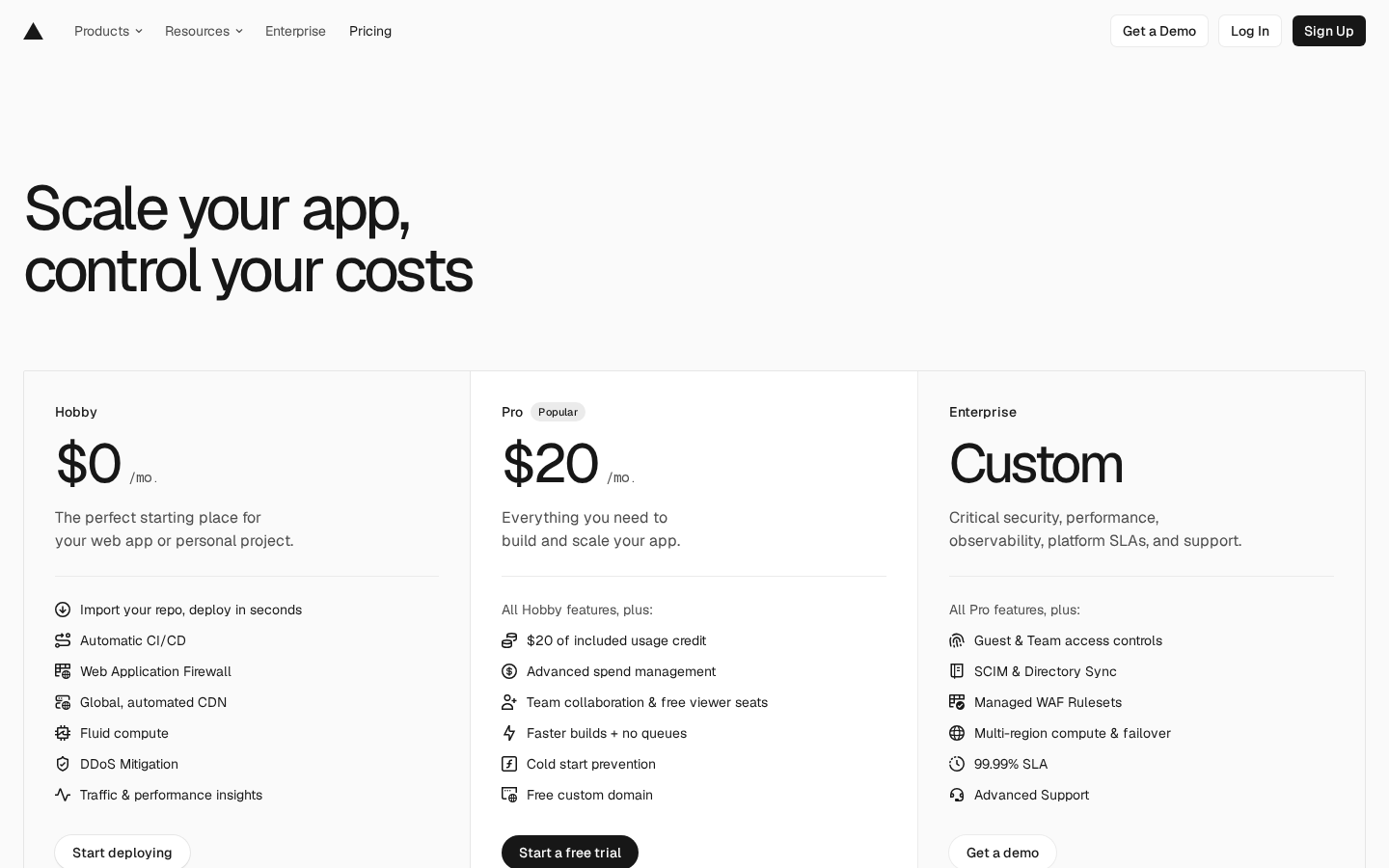
The same audit-trail habit matters past your own personal login. If you deploy an AI-powered product that other people use, the account hosting that deployment carries the same risk profile: shared logins, standing API keys, and no record of who changed what. [Check current price for Vercel Enterprise](Check current price for Vercel Enterprise) to see what centralized account controls cost once more than one person can touch your deployment.
What it means for you
A hacked personal AI account is a cleanup job — revoke, rotate, monitor, done. A hacked account on the infrastructure hosting your product is a different scale of problem, because it can affect every user downstream of that deployment, not just your own chat history.
Best for solo builders: run the login-history and billing-dashboard checks above periodically, backed by a password manager and two-factor authentication. Skip it if you're the only person with access to your hosting account; paying for team-level access controls before you have a team to control is unnecessary.
Best for teams: centralized login and access management once more than one person can deploy code or view billing. Skip it if you can't yet name who besides you needs access — add the control when the team exists, not ahead of it.
Before you weigh what any account tier costs against what a breach would cost you, it helps to frame it the same way you'd frame any recurring tool expense. The MI Measure Price Calculator: How to Choose guide walks through that same per-seat-versus-per-usage comparison, and the logic carries over directly to comparing account-security tiers.
[See current pricing at the merchant](See current pricing at the merchant) for the Vercel plan that matches how many people currently touch your account, and revisit that choice as headcount changes. The decision isn't which tier sounds safer on paper — it's which tier matches who can actually log in today.
What this costs right now
Vercel Enterprise
The last check on this price fell outside our freshness window, so no figure is shown.
Check the current price at VercelVercel
The last check on this price fell outside our freshness window, so no figure is shown.
Check the current price at VercelPrices move. We print the figure we read and the moment we read it, and suppress anything older than its window rather than guess at the current number.