ChatPanel AI Browser Agent Now Ships on Firefox
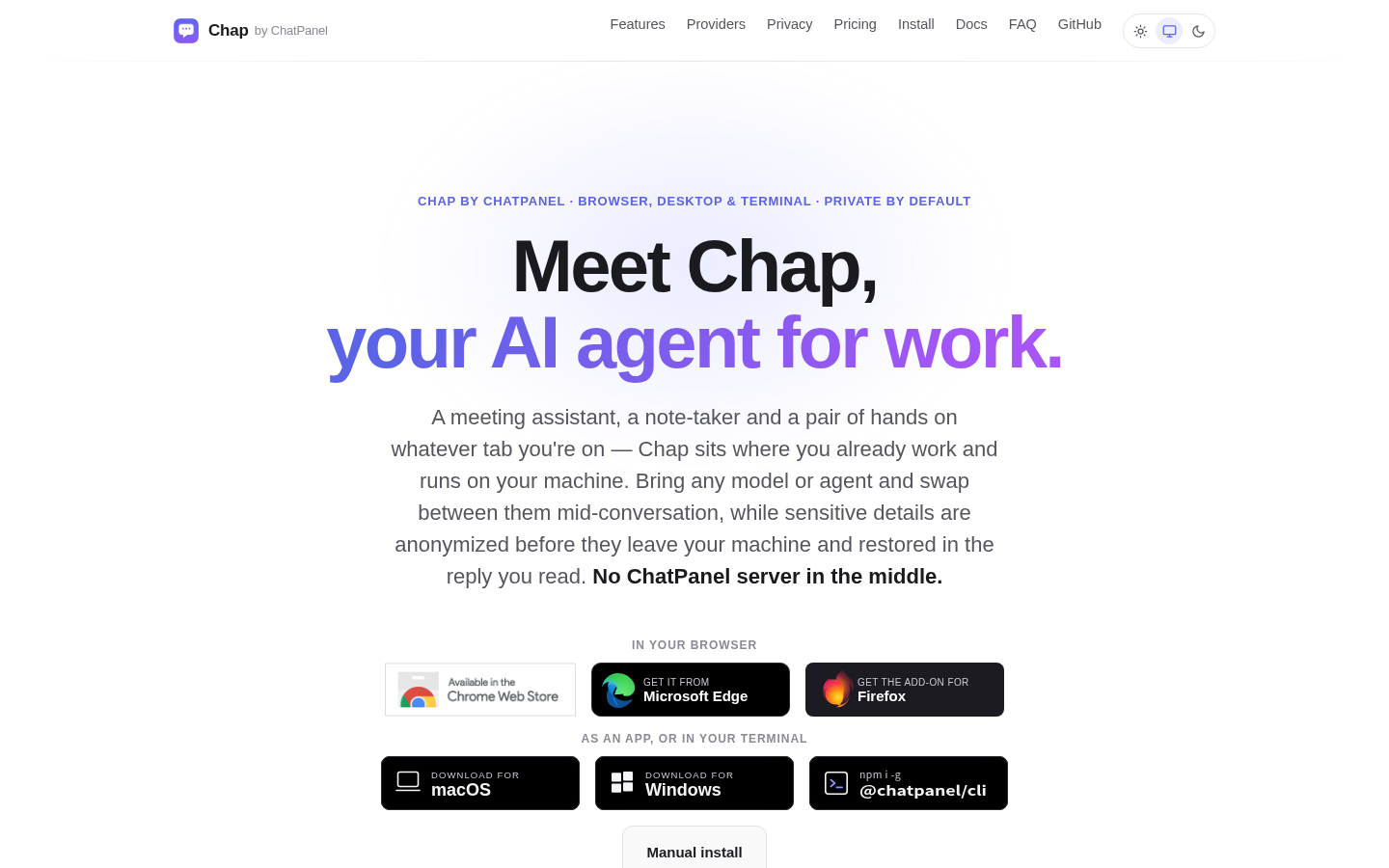
ChatPanel, a browser-based AI agent previously limited to Chrome and Edge, is now available on Firefox, per a Show HN post from user earth2mars and the product's own site. This matters because it removes the Chromium requirement for a tool that connects to any model provider and captures meeting transcripts from Zoom, Teams, Meet, and Webex. This piece explains what ChatPanel does, what it doesn't verify about itself, and where to check current pricing if you're comparing AI-agent tooling.
Disclosure: this article contains affiliate links. If you buy through them we may earn a commission at no additional cost to you. Our recommendations are based on the evidence recorded alongside this article, and prices were verified on the date shown.
ChatPanel is for sale to make it worth the click, but the news here is simple: a browser extension that has run on Chrome and Edge is now installable on Firefox too. If your workflow is Firefox-only, that is the one fact that changes today. If you already use Chrome or Edge, nothing here changes your access.
ChatPanel's Firefox release: what changed and why it matters
ChatPanel, a browser-based AI agent, is now distributed for Firefox in addition to its existing Chrome and Edge availability. The release was announced in a Show HN post by user earth2mars, with the product itself hosted at chatpanel.net.
The practical effect is narrow but real: Firefox users who wanted this category of tool previously had to switch browsers or go without. That barrier is gone as of this release. Nothing else about how the extension behaves is reported to have changed between browsers.
What ChatPanel actually does
ChatPanel positions itself as an AI agent that lives inside your browser rather than a standalone chat window. It connects to any model provider, and it can also connect to CLI agents such as Codex and Claude, plus WebLLM for running models client-side.
Its most distinctive feature is meeting capture. When you attend a Zoom, Microsoft Teams, Google Meet, or Webex meeting through the browser, ChatPanel can capture the transcription. Once captured, that transcript becomes searchable alongside your notes and chats through ChatPanel's own chat interface — so a question like "what did we agree on in Tuesday's call" is answerable from inside the extension rather than from a separate transcript file.
ChatPanel describes itself as "privacy first." That is the vendor's own description, taken from its product site. No independent verification of that claim is available, so treat it as a marketing position rather than an audited fact until a third party confirms it.
| Criteria | What's confirmed |
|---|---|
| Browser support | Chrome, Edge, Firefox |
| Model connections | Any model provider, plus CLI agents (Codex, Claude) and WebLLM |
| Meeting capture | Zoom, Teams, Google Meet, Webex (browser-attended only) |
| Privacy claim | Self-described "privacy first"; no independent audit cited |
Best for: people who already take most of their meetings inside a browser tab and want captured transcripts searchable in one place without leaving the page.
Skip it if: you join meetings through desktop apps rather than the browser — ChatPanel's capture is scoped to browser-attended sessions, so desktop-app meetings fall outside what's confirmed here. Skip it too if an unverified privacy claim is a dealbreaker for the data you'd be feeding it — the vendor's description is not the same as a third-party audit.
What it means for you if you're evaluating AI agent tools
A browser extension is one way to put an AI agent in front of your daily work. It is not the only way, and for some reader, what Firefox support actually surfaces is a broader question: which layer should run the AI agent at all — the browser, the terminal, or the app you're deploying.
If you're the kind of reader who followed a Show HN post about a browser extension, there's a good chance you're also the kind of reader building or deploying AI-powered tools yourself, not just consuming them. For that work, the model and hosting layer matters as much as the client. If that's your situation, you can [compare current plans and pricing at Vercel](See current pricing at the merchant) before deciding where your own AI tooling should run.
If you're instead comparing coding agents and assistants rather than deployment platforms, the decision criteria differ — speed, context handling, pricing per seat — and that comparison is covered separately in Best Continue Alternatives: How to Choose Now.
Either way, the decision in front of you isn't "should I install ChatPanel." It's whether you need a browser-resident agent with meeting capture, or whether your actual bottleneck is the infrastructure running the models behind whatever agent you pick. Firefox support answers the first question for ChatPanel specifically. It doesn't answer the second — that's a separate evaluation, and it's the one worth doing before you commit budget to either side of the stack.
What this costs right now
Vercel
The last check on this price fell outside our freshness window, so no figure is shown.
Check the current price at VercelPrices move. We print the figure we read and the moment we read it, and suppress anything older than its window rather than guess at the current number.