Agentray Turns a Mac Folder Into an AI Agent
A Show HN post from developer beshrkayali introduces Agentray, a macOS AI agent that replaces the chat window with a watched folder containing 'in', 'out', and 'done' subfolders. It matters because it's a working counterpoint to the assumption that talking to an AI requires typing into a chat box. This piece explains exactly what the tool does today, what the Hacker News thread does and doesn't confirm, and where to look if you need cloud compute to run agent workflows like it at scale.
Disclosure: this article contains affiliate links. If you buy through them we may earn a commission at no additional cost to you. Our recommendations are based on the evidence recorded alongside this article, and prices were verified on the date shown.
What changed and why it matters
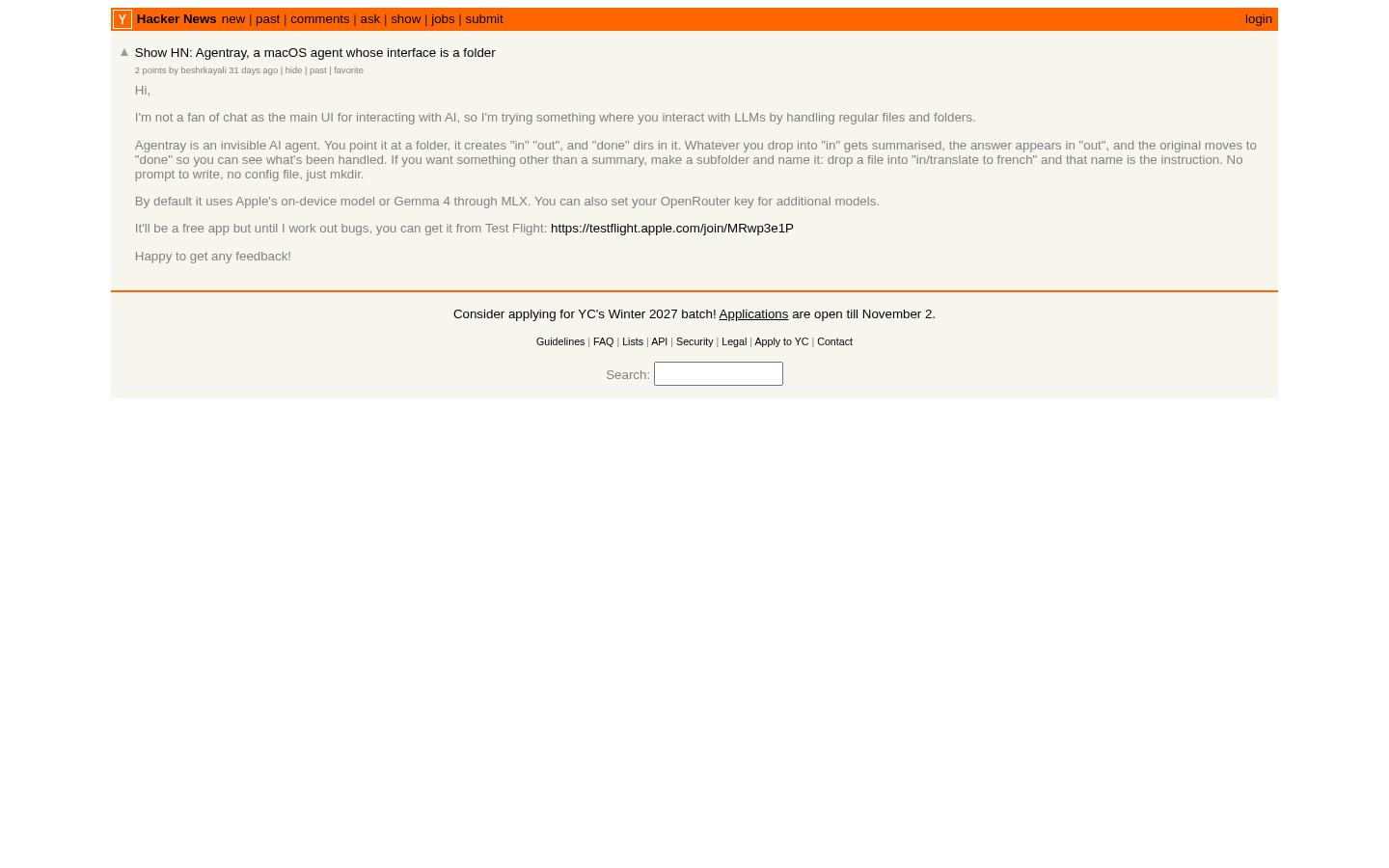
On Hacker News, developer beshrkayali posted a Show HN for Agentray, an AI agent whose interface is a folder rather than a chat window. Point it at a folder on your Mac, and it sets up the structure it needs automatically — no onboarding screen, no prompt box.
That matters because most AI tools released in the past two years assume you want a chat interface. Agentray's pitch, stated directly by its author, is the opposite: they are not a fan of chat as the main way to interact with AI and wanted something built around files and folders instead. For anyone evaluating ai-tools on macOS who finds chat windows get in the way of a file-based workflow, this is a concrete example of the alternative.
The detail
Agentray is described as an "invisible AI agent." You give it a folder to watch, and it creates three subfolders inside it: 'in', 'out', and 'done'. There is no dashboard to configure beyond pointing it at that one location.
The workflow is simple and file-driven. Whatever file you drop into the 'in' subfolder gets summarised by the agent, and the result is written out to the 'out' subfolder. The Show HN description confirms the creation of a 'done' subfolder as part of the same setup, but it does not detail what moves there or when — so treat that part as unconfirmed rather than assume a full archiving behavior.
Here's what the Hacker News thread actually confirms about the folder structure:
| Folder | Confirmed behavior |
|---|---|
| in | You drop a file here to start the process |
| out | The summary of that file appears here |
| done | Created automatically; its exact role isn't detailed in the source |
This is a narrower tool than "AI agent" might suggest to someone expecting task automation or multi-step reasoning. Based on the Show HN post, the confirmed capability is file summarization triggered by a drag-and-drop into a watched folder — nothing in the source describes additional actions beyond that.
What it means for you
Agentray is best for you if you already think in files and folders rather than chat threads, and you want a lightweight, local way to get a summary of a document without opening an app or typing a prompt. It suits people who batch-process files — drop a dozen PDFs in 'in', walk away, come back to summaries in 'out'.
Skip it if you need multi-turn conversation with an AI, if your workflow depends on anything beyond summarization, or if you're not on macOS — the project is specifically described as a macOS agent, and the source gives no indication of a Windows or Linux build. Skip it too if you need guarantees about what happens to your files after they're processed; the 'done' folder's behavior isn't documented in the source, so don't assume your originals are archived, deleted, or left untouched without verifying it yourself.
If you're the kind of reader who finds a folder more useful than a chat box, it's also worth looking at how that same preference plays out in coding tools — our guide on Best Continue Alternatives: How to Choose Now covers other editors and agents built around files rather than conversation.
Tools like Agentray are lightweight precisely because they run locally and hand off the heavy lifting to an LLM API. If you're building or scaling something similar — a folder watcher, a batch summarizer, a small agent that needs to run continuously rather than just on your laptop — that's a hosting decision, not a chat-UI decision. You can [see current pricing at DigitalOcean](See current pricing at the merchant) to find out what it costs to run that kind of always-on process on a droplet instead of your own machine.
The decision in front of you isn't whether Agentray is good — the Show HN thread doesn't give you a changelog or a user count to judge that by. It's whether a folder-based, summarization-only agent fits a workflow you already have, or whether you'd rather wait and watch for the project to mature before building a habit around it.
What this costs right now
DigitalOcean
The last check on this price fell outside our freshness window, so no figure is shown.
Check the current price at DigitalOceanPrices move. We print the figure we read and the moment we read it, and suppress anything older than its window rather than guess at the current number.