SubSmith Explained: Turning Video Into Study Notes
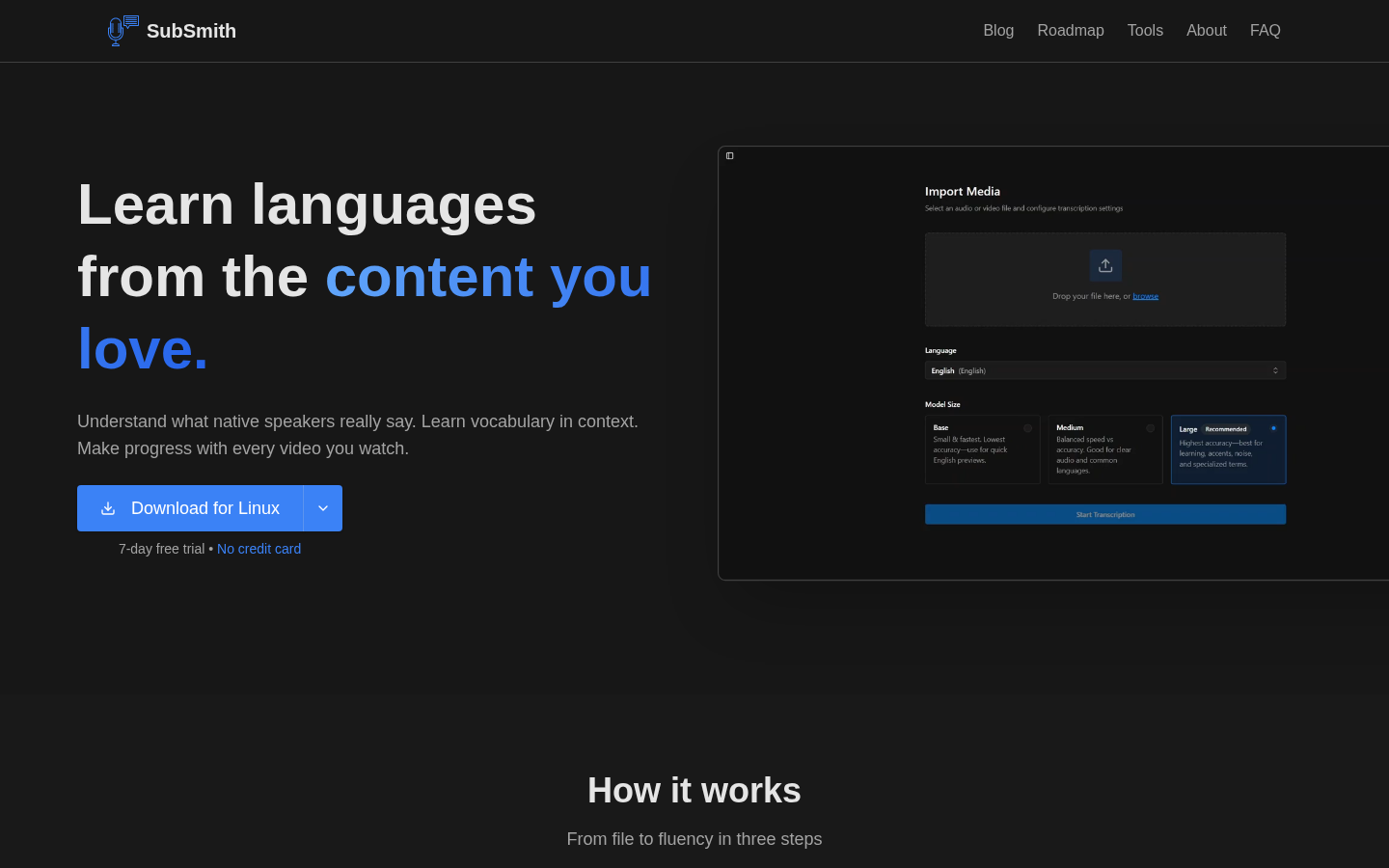
A Show HN post titled 'SubSmith – Turn your own videos into language-learning material' introduced a tool that converts video moments into study material. It matters because language learners have long juggled a video player, subtitles, a dictionary, screenshots, and audio clips separately, and creator IbrahimF96 built SubSmith to remove that friction. This piece explains what SubSmith does, who it suits, and where to look next if you're weighing developer-tools hosting for a similar project.
Disclosure: this article contains affiliate links. If you buy through them we may earn a commission at no additional cost to you. Our recommendations are based on the evidence recorded alongside this article, and prices were verified on the date shown.
What changed and why it matters
A Show HN post titled "SubSmith – Turn your own videos into language-learning material" put a new tool in front of Hacker News readers, submitted by a user identified as IbrahimF96. The pitch is narrow and specific: turn a moment from a video you already have into something you can study from.
That narrowness is the point. Most language-learning tools start from scratch — a course, a deck of flashcards, a graded reader. SubSmith starts from footage you already chose to watch, which is a different kind of study material: content you picked because it interested you, not because a curriculum assigned it.
The detail
According to SubSmith's product page, the creator built the tool after hitting the same wall repeatedly while learning Japanese from video: finding a useful sentence in a video, then discovering that turning that moment into something you could actually study was slow and draining.
The prior workflow the tool replaces, as described, involved jumping between a video player, subtitles or a transcription, a dictionary, screenshots, and audio clips — each a separate window, each requiring you to manually copy or note down what you found before moving to the next. SubSmith's stated purpose is to collapse that sequence into turning your own video into language-learning material directly, without the multi-tool relay.
The product is accessible at SubSmith's site, subsmith.app, where the Show HN post and the workflow it describes are documented.
For a learner, the difference is less about a new study method and more about removing the manual labor around a study method you're likely already using: watching video in your target language and mining it for real sentences.
Best for: learners who already watch video in a language they're studying — anime, YouTube, interviews — and who currently do the video-to-flashcard conversion by hand.
Skip it if: you don't have a habit of studying from your own video clips, or your current workflow already gets the job done; a tool built to remove friction from a process you don't run won't save you anything.
What it means for you
None of this changes what SubSmith costs, what its limits are, or what platform it runs on — those details aren't part of the Show HN post or the product page as described, and a buying guide has no business guessing at them. What it does tell you is something about the category SubSmith comes from: an individual developer built a focused tool, posted it to Hacker News, and hosted it at its own domain. That's the standard path for the kind of side project this piece is about — and if you're the one building the next one, the hosting decision is where the buying question actually starts.
If SubSmith's existence has you thinking about building or hosting something similar — a small tool aimed at one specific piece of friction — the platform question comes up fast: where does it run, and what happens when it needs to handle a traffic spike from its own Show HN moment. Our developer-tools buying guide walks through the criteria that matter for that decision, from deployment speed to how a platform handles sudden load.
Vercel is one of the platforms developers reach for when shipping projects like this, and you can see current pricing at See current pricing at the merchant to check whether its plans fit a project at your stage.
The decision on SubSmith itself is a five-minute one — visit the product page and test it against your own video habits. The decision that actually costs something is where you host what you build next, and that's the one worth reading up on before you commit.
What this costs right now
Vercel
The last check on this price fell outside our freshness window, so no figure is shown.
Check the current price at VercelPrices move. We print the figure we read and the moment we read it, and suppress anything older than its window rather than guess at the current number.