Sesame: A Local-First, No-Account Password Manager on Show HN
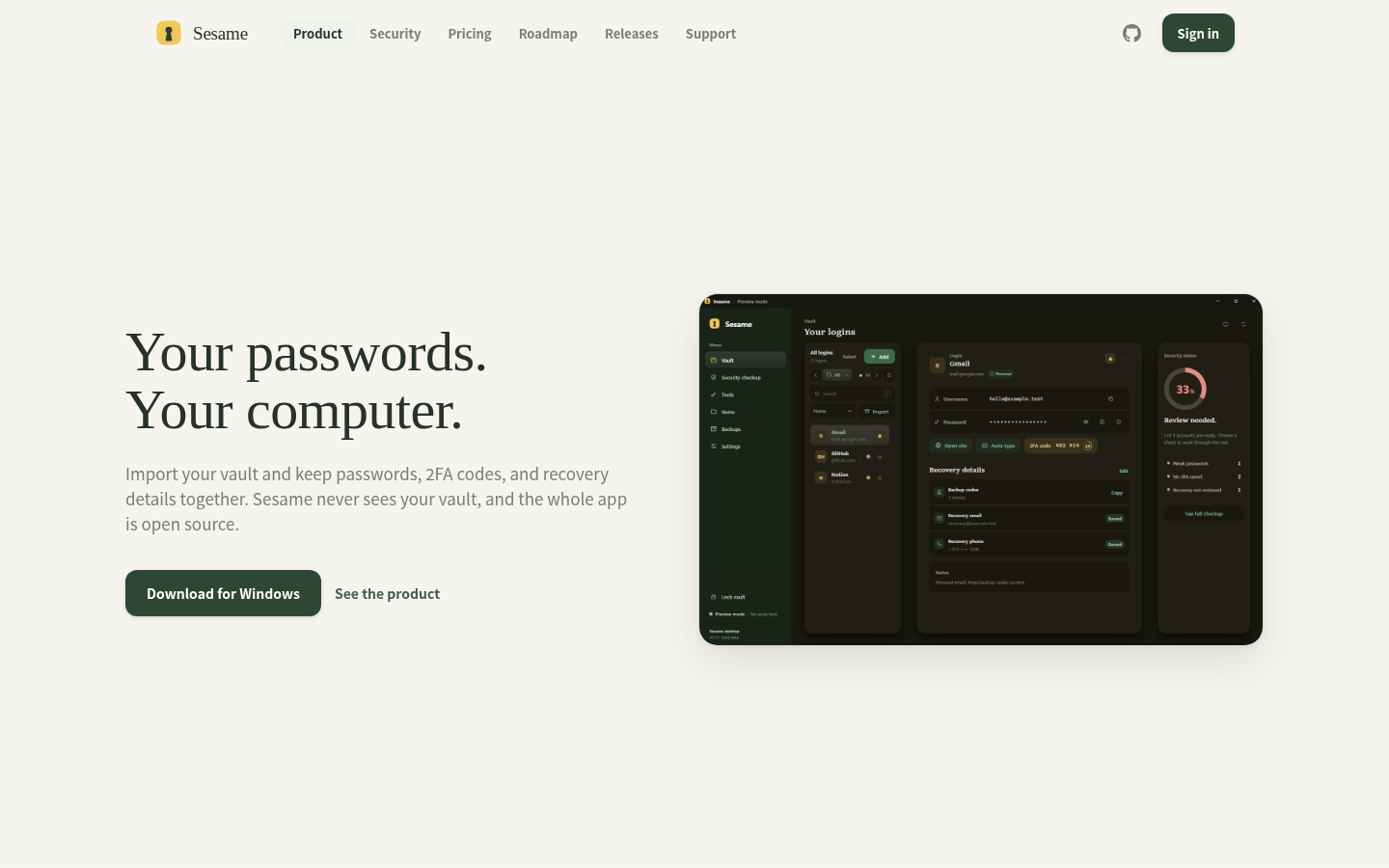
A local-first, open-source password manager called Sesame appeared on Hacker News's Show HN board, submitted by user d0mkaaa. It stores your vault on your device by default and does not require an account to create or use one. No independent security review has been completed yet, and its maker describes it as early-stage software still seeking code review and testing.
Disclosure: this article contains affiliate links. If you buy through them we may earn a commission at no additional cost to you. Our recommendations are based on the evidence recorded alongside this article, and prices were verified on the date shown.
You're reading this because a local-first, open-source password manager called Sesame just showed up on Hacker News's Show HN board, submitted by user d0mkaaa. The short version: it stores your vault on your device by default, skips the account requirement, and its maker says it isn't finished yet.
What changed and why it matters
Sesame was posted to Hacker News under the Show HN tag by user d0mkaaa, putting a new open-source password manager in front of a technical audience that tends to poke at exactly the claims a password tool makes. The pitch is local-first storage: your vault lives on your machine rather than on a company's servers by default.
That matters because password managers are a trust category — the software holds the keys to everything else you use. A tool that doesn't require an account and doesn't receive your vault on its hosted service is making a specific, checkable architectural claim rather than a marketing one, and Hacker News is where that claim gets tested first.
The detail
Sesame is an open-source password manager built around a local-first model: your vault stays on your device by default instead of syncing to a hosted server. You can create and use a vault without registering an account at all — there's no signup gate between you and storing your first password.
Even where Sesame does offer a hosted service, the maker states that service never receives the vault contents itself. That's a narrower claim than "we don't look at your data" — it says the vault, as a whole, doesn't reach the hosted side.
What Sesame is not, yet, by its own maker's account: independently security-reviewed. No third-party audit has been completed. The maker describes Sesame as early-stage software and is actively asking for code review, testing, and feedback — not presenting it as production-ready. For a password manager, that's the detail to weigh against the local-first pitch: the architecture is designed to keep your vault out of a server's reach, but nobody outside the project has yet verified the implementation matches the design.
| Criterion | Sesame today |
|---|---|
| Account required | No — you can create and use a vault without registering |
| Vault storage | Local by default; hosted service never receives vault contents |
| Independent security review | Not yet completed, per the maker |
| Maturity stage | Early-stage; maker is soliciting code review and feedback |
Best for: developers and technical users who want a local-first vault, are comfortable reading open-source code or waiting for community review, and don't need a vendor-backed audit trail today.
Skip it if: you need a password manager with a completed independent security review before you'll trust it with production or high-value credentials — that review hasn't happened yet.
What it means for you
If Sesame's local-first model is the part that appeals to you, the practical follow-on question is where you'd run anything adjacent to it — a sync relay, a personal backup target, a self-hosted companion service — since the whole point is keeping that infrastructure under your own control rather than a vendor's. That's a hosting decision, not a password-manager decision, and it's worth pricing out separately before you commit to a setup.
See current droplet pricing and plans at DigitalOcean before you decide what, if anything, you want to self-host alongside a local-first tool like this: See current pricing at the merchant. That's where you'd check what a small always-on instance actually costs before treating self-hosting as the default answer.
The decision here isn't whether Sesame is good or bad — the maker hasn't claimed it's finished, and there's no independent review to lean on yet. It's whether you're the kind of user who's comfortable testing early-stage, no-account, local-first software and reporting back, or whether you'd rather wait for that security review before trusting a password vault to it. If you're in the first group, decide separately whether you want to host anything around it yourself, and price that out before you start.
What this costs right now
DigitalOcean
The last check on this price fell outside our freshness window, so no figure is shown.
Check the current price at DigitalOceanPrices move. We print the figure we read and the moment we read it, and suppress anything older than its window rather than guess at the current number.