Chrome's New Stable Update Fixes 327 Security Bugs, 10 Critical: Which Release Channel to Run
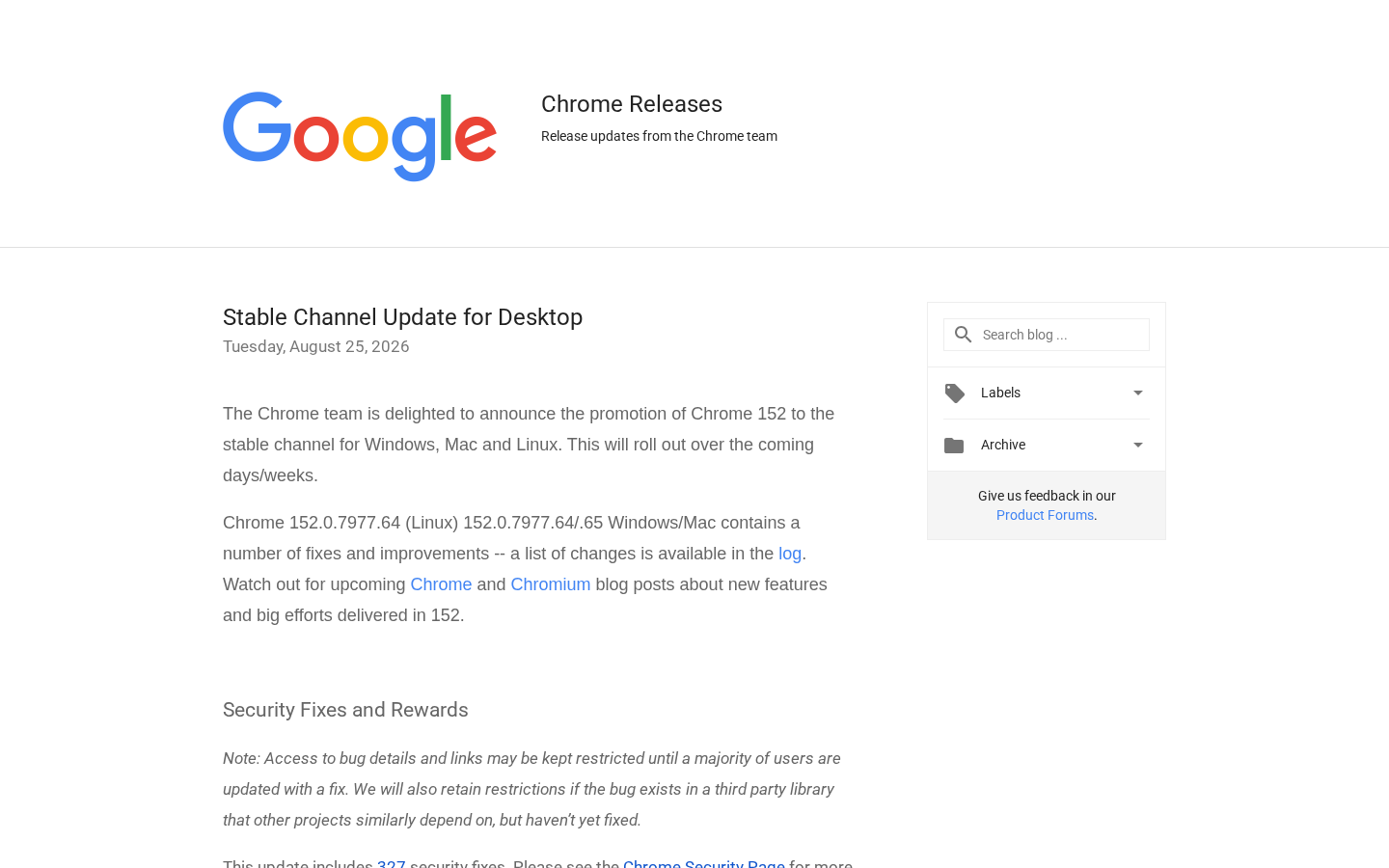
Google's newest Chrome stable channel update fixes 327 security vulnerabilities, ten of them rated critical, according to the Chrome Releases blog. This guide explains why the critical-fix count is the number to act on, not the total, and maps that logic against Chrome's four release channels — Stable, Beta, Dev, and Canary. It also flags the mistakes teams make when deciding how fast to update after a release like this one.
Disclosure: this article contains affiliate links. If you buy through them we may earn a commission at no additional cost to you. Our recommendations are based on the evidence recorded alongside this article, and prices were verified on the date shown.
Google's newest Chrome stable channel update closes 327 security holes, ten of them rated critical, according to the Chrome Releases blog. That single number is the reason to keep reading: if you use Chrome daily, or your team ships web previews against it, the decision this week isn't which browser to install — it's which release channel and update habit actually keeps you covered when a patch batch like this one lands. This guide sets out the criteria that matter, maps them to Chrome's own channels, and flags where teams testing or deploying web apps get the update decision wrong.
What changed and why it matters
Chrome's latest stable channel release patches 327 security vulnerabilities, ten of which Google classifies as critical, according to the Chrome Releases blog post announcing the update. Critical is the highest severity Chrome assigns to a security bug — the label is reserved for flaws that can let an attacker run code or escape the browser's sandbox with little or no action from you.
According to that same Chrome Releases blog post, the total of 327 is not the number to act on — the critical count, ten in this release, is what tells you how urgent the update is, both for a personal install and for any team that treats Chrome as the reference browser in its testing pipeline.
What to look for
Choosing how you run Chrome comes down to four things, roughly in order of how much they affect your exposure to unpatched bugs.
- Critical-fix visibility — whether the release notes separate critical-severity fixes from the total count, so you can judge urgency instead of guessing from a headline number.
- Release channel — Stable, Beta, Dev, or Canary each trade stability against how early you see upcoming fixes and feature changes.
- Source transparency — whether you can check the fix list yourself on the vendor's own release blog, rather than relying on a secondhand summary that may drop the severity breakdown.
- Where you run it — a personal daily-driver install has different needs than a browser used as the target for automated testing or a pre-production QA pass.
Here's how Chrome's own channels map against that first criterion — visibility and intended audience:
| Channel | What it's for | Who it suits |
|---|---|---|
| Stable | Daily browsing and the version most production testing targets | Most users, and any team validating a live site against real visitors |
| Beta | A preview of changes heading to Stable | QA workflows checking compatibility ahead of a release |
| Dev | An earlier look at in-progress changes | Developers debugging against near-future Chrome behavior |
| Canary | The least-tested nightly build | Contributors and teams tracking the earliest signal only |
The channel you pick should follow from how much instability you can absorb in exchange for earlier visibility — not from habit.
Recommended options
Chrome Stable channel
- Best for: anyone whose priority is fewer surprises — daily browsing, and any team testing a live web app against what real visitors actually run.
- Skip it if: you need to see how a site behaves against Chrome features that haven't reached Stable yet.
- This is the channel that just received the 327-fix, ten-critical update — the version Chrome expects the majority of its user base to be running when a release like this ships.
Chrome Beta channel
- Best for: QA processes that want a preview of what's about to reach Stable, without running a fully unfinished build.
- Skip it if: you can't tolerate occasional regressions on a machine you rely on for daily work.
Chrome Dev channel
- Best for: developers who need early visibility into how in-progress Chrome behavior will affect a site, extension, or automated test suite before it goes public.
- Skip it if: stability matters more to you than early warning — Dev updates more often and less predictably than Beta.
Chrome Canary
- Best for: contributors and teams that specifically want the earliest possible signal on upcoming Chrome changes.
- Skip it if: you're picking a single browser for anything resembling daily or production use — Canary isn't built for that.
For most readers arriving at this guide, the answer is simply: run Stable, and treat the critical-fix count in each release as your cue for how quickly to apply it. The other three channels exist for people whose job depends on seeing Chrome's future before everyone else does.
Common mistakes
The first mistake is treating the total fix count as the urgency signal instead of the critical count. A release with hundreds of minor fixes and zero critical entries is a lower priority than one with fewer total fixes but several rated critical — like the ten in this release. If a summary you're reading doesn't separate the two, that's a sign it's not reporting the number that actually matters.
The second mistake is never checking the primary release notes directly. Chrome publishes the full breakdown on its own Releases blog; a secondhand recap can compress or drop the severity split entirely, which is exactly the detail you need to decide whether to update today or this week.
The third mistake is letting a testing or CI pipeline run against whatever Chrome version happens to be installed on a developer's laptop, instead of pinning to Stable and updating deliberately when releases like this one land. Unpinned test environments drift, and a critical fix that changes rendering or security header behavior can pass locally and fail in production without anyone noticing why.
Teams that catch that last mistake early are usually the same ones auditing their whole deployment pipeline — including whether their hosting plan covers enough preview environments to test against an updated browser before code reaches production. If that's a gap in your setup, [see current Vercel pricing](See current pricing at the merchant) to check what each plan tier includes before you scale preview builds across a team.
The decision here was never which Chrome to buy — it's which channel matches how much risk you're willing to carry, and whether your testing setup can keep pace with releases like the one that just shipped ten critical fixes.
What this costs right now
Vercel
The last check on this price fell outside our freshness window, so no figure is shown.
Check the current price at VercelPrices move. We print the figure we read and the moment we read it, and suppress anything older than its window rather than guess at the current number.